Things on this page are fragmentary and immature notes/thoughts of the author. Please read with your own judgement!
import numpy as np
from PIL import Image, ImageOps
img = Image.open("../../home/media/poker/4h.png")
img
Comments
You can use the method
Image.convertto convert aPIL.Imageto different modes.ImageOps.grayscale(img)is equivalent toimg.convert("L"). As a matter of fact,ImageOps.grayscale(img)directly callsimg.convert("L")according to the implementation.
Gray Scale - “L” Mode
ImageOps.grayscale(img)
img.convert("L")Black-and-White - “1” Mode
By default, dithering is applied (white noisies are added).
img.convert("1")
You can disable dithering with the option dither=False.
img_bw = img.convert("1", dither=False)
img_bw
img_bw.convert("1", dither=False)When a black-and-white image is converted to a numpy array, a 2-dimensional array (instead of 3-dimensional) is returned.
np.array(img_bw)array([[False, True, True, ..., True, True, True],
[ True, True, True, ..., True, True, True],
[ True, True, True, ..., True, True, True],
...,
[False, True, True, ..., True, True, True],
[False, False, False, ..., False, False, False],
[False, False, False, ..., False, False, False]])You can also use Pillow to convert an image to other (colorfull) modes. For more details, please refer to Modes of the Method Image.convert .
!wget https://i.imgur.com/mB96s.png--2020-02-16 11:00:53-- https://i.imgur.com/mB96s.png
Resolving i.imgur.com (i.imgur.com)... 127.0.0.1
Connecting to i.imgur.com (i.imgur.com)|127.0.0.1|:443... failed: Connection refused.
Image.open("mB96s.png")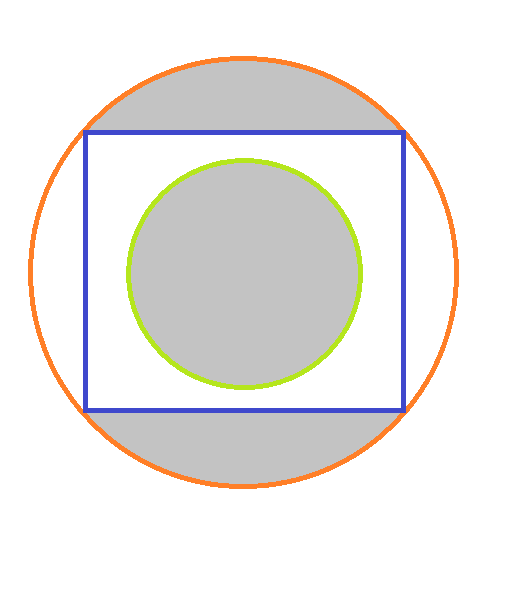
Image.open("mB96s.png").convert("L")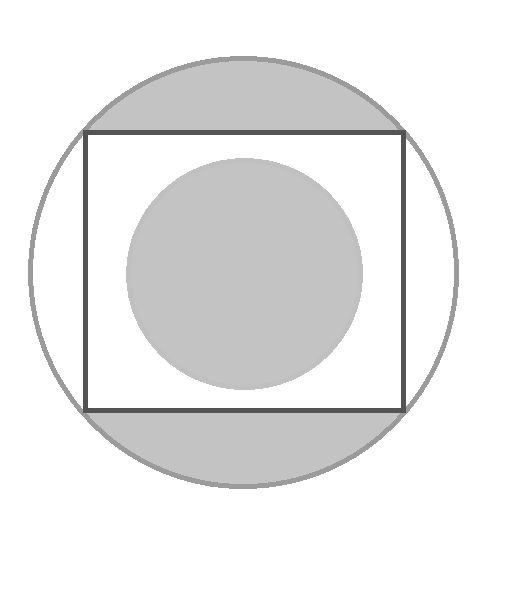
def binarize(arr2d, threshold=200):
    arr2d = arr2d.copy()
    nrow, ncol = arr2d.shape
    for i in range(nrow):
        for j in range(ncol):
            if arr2d[i, j] > threshold:
                arr2d[i, j] = 255
            else:
                arr2d[i, j] = 0
    return arr2d
img_gs = Image.open("mB96s.png").convert("L")
Image.fromarray(binarize(np.array(img_gs)))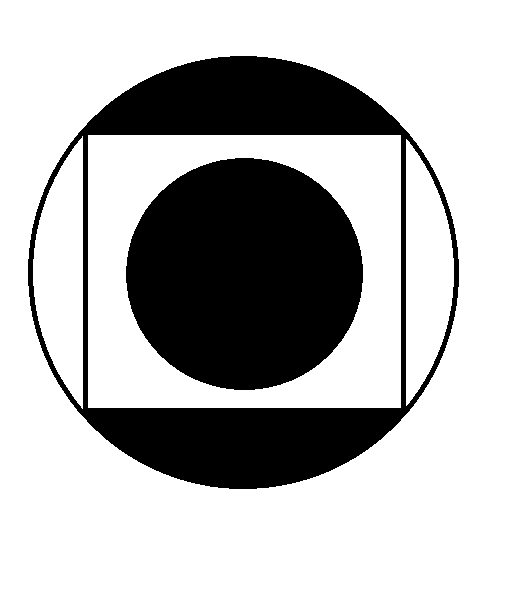
Image.open("mB96s.png").convert("1", dither=False)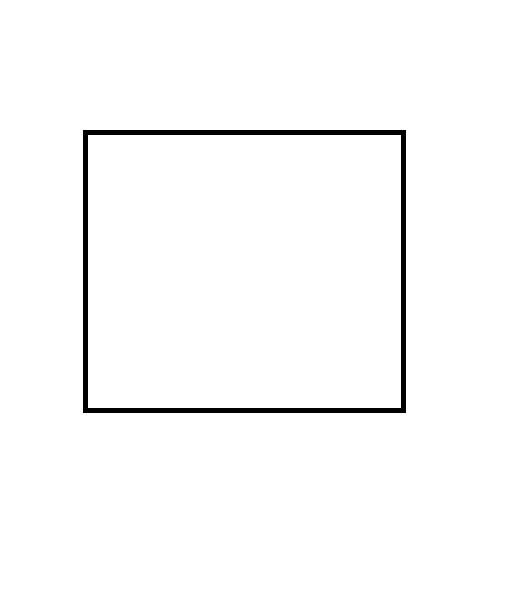
Image.open("mB96s.png").convert("L").convert("1", dither=False)Convert a RGBA Image to RGB
img_rgba = img.convert("RGBA")
img_rgba.mode'RGBA'img_rgb = img_rgba.convert("RGB")
img_rgb.mode'RGB'References
http://
https://
https://
Modes of the Method Image.convert
Source Code of the ImageOps Class
Source Code of the Image Class