Things on this page are fragmentary and immature notes/thoughts of the author. Please read with your own judgement!
Tips and Traps
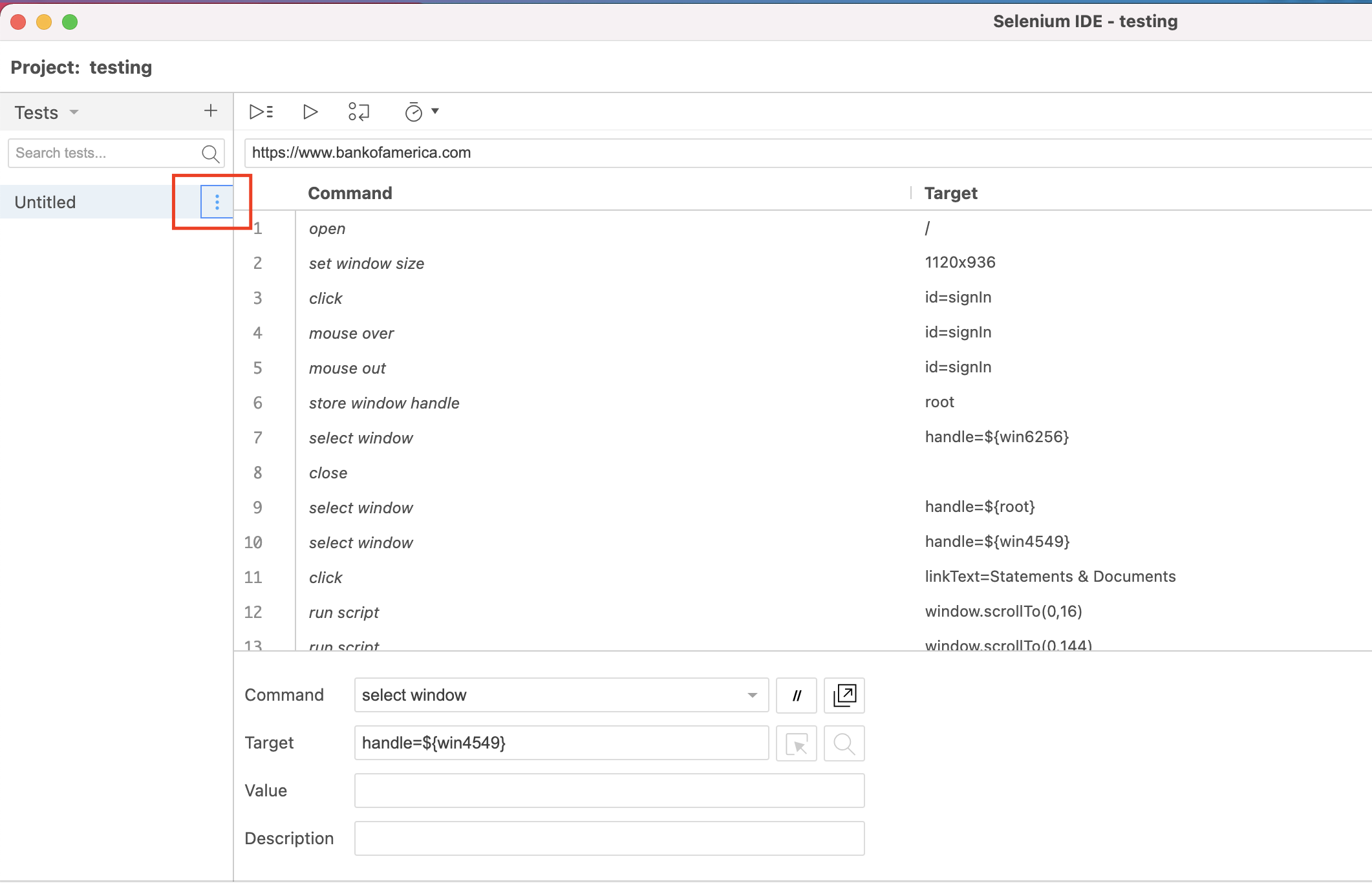
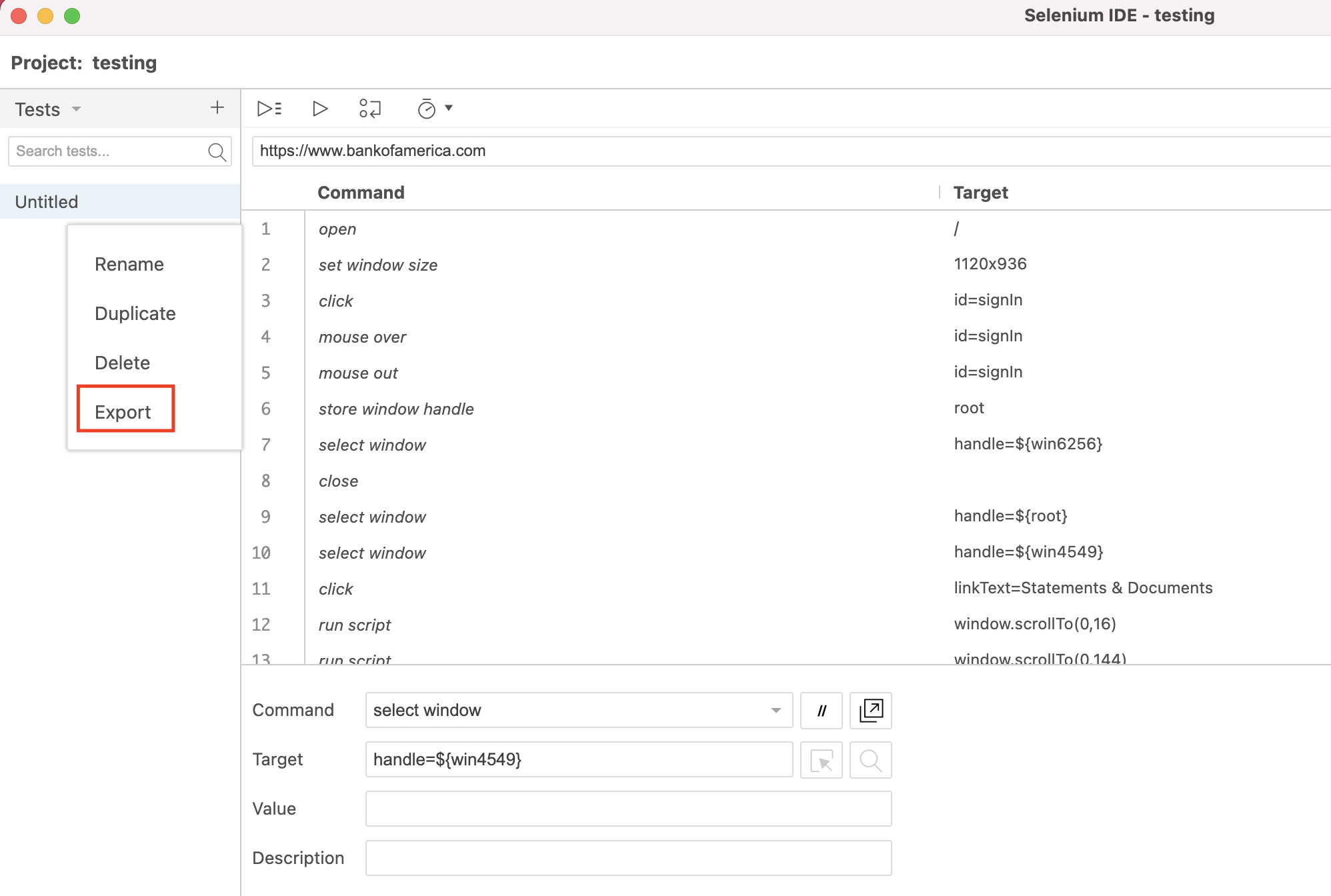
Selenium IDE is very useful. You can use it to record (test) actions and then export it into (testing) code in different programming languages (e.g., Python).
Examples
:::java
DesiredCapabilities cap = DesiredCapabilities.chrome();
cap.setCapability("download.default_directory","C:");
cap.setCapability("download.prompt_for_download","false");
cap.setCapability("directory_upgrade","true");
cap.setCapability("plugins.plugins_disabled","Chrome PDF Viewer");

WebDriver driver = new ChromeDriver(cap);
Or you can add the options.AddArgument(“---printing”); to automatically click the print button.
https://
Docker Images
https://
https://
https://
https://
References
https://