Installation
!pip3 install -q moviepyUse moviepy to Manipulate Videos
Download a short video.
!wget --no-check-certificate https://www.sample-videos.com/video123/mp4/720/big_buck_bunny_720p_5mb.mp4 -O bunny.mp4--2022-05-21 17:32:50-- https://www.sample-videos.com/video123/mp4/720/big_buck_bunny_720p_5mb.mp4
Resolving www.sample-videos.com (www.sample-videos.com)... 103.145.51.95
Connecting to www.sample-videos.com (www.sample-videos.com)|103.145.51.95|:443... connected.
HTTP request sent, awaiting response... 200 OK
Length: 5253880 (5.0M) [video/mp4]
Saving to: ‘bunny.mp4’
bunny.mp4 100%[===================>] 5.01M 2.15MB/s in 2.3s
2022-05-21 17:32:53 (2.15 MB/s) - ‘bunny.mp4’ saved [5253880/5253880]
import numpy as np
from PIL import Image
import cv2
from moviepy.editor import VideoFileClip
Extract and check the first frame.
vidcap = cv2.VideoCapture("bunny.mp4")success, arr = vidcap.read()arrarray([[[ 46, 112, 104],
[ 31, 97, 89],
[ 21, 92, 83],
...,
[251, 223, 205],
[251, 223, 205],
[251, 223, 205]],
[[ 44, 110, 102],
[ 30, 96, 88],
[ 22, 93, 84],
...,
[251, 223, 205],
[251, 223, 205],
[251, 223, 205]],
[[ 38, 104, 96],
[ 26, 92, 84],
[ 26, 97, 88],
...,
[251, 223, 205],
[251, 223, 205],
[251, 223, 205]],
...,
[[ 43, 131, 138],
[ 57, 145, 152],
[ 70, 153, 161],
...,
[ 24, 117, 109],
[ 27, 135, 116],
[ 46, 154, 135]],
[[ 54, 145, 151],
[ 67, 158, 164],
[ 72, 160, 167],
...,
[ 27, 115, 108],
[ 25, 128, 110],
[ 46, 149, 131]],
[[ 62, 153, 159],
[ 68, 159, 165],
[ 70, 158, 165],
...,
[ 33, 121, 114],
[ 28, 131, 113],
[ 42, 145, 127]]], dtype=uint8)arr.shape(720, 1280, 3)The numpy array is the BGR (instead of RGB) representation of the image,
which means that you have to flip the last dimension of the numpy array
so that it can loaded using the Pillow library correctly.
Image.fromarray(np.flip(arr, 2))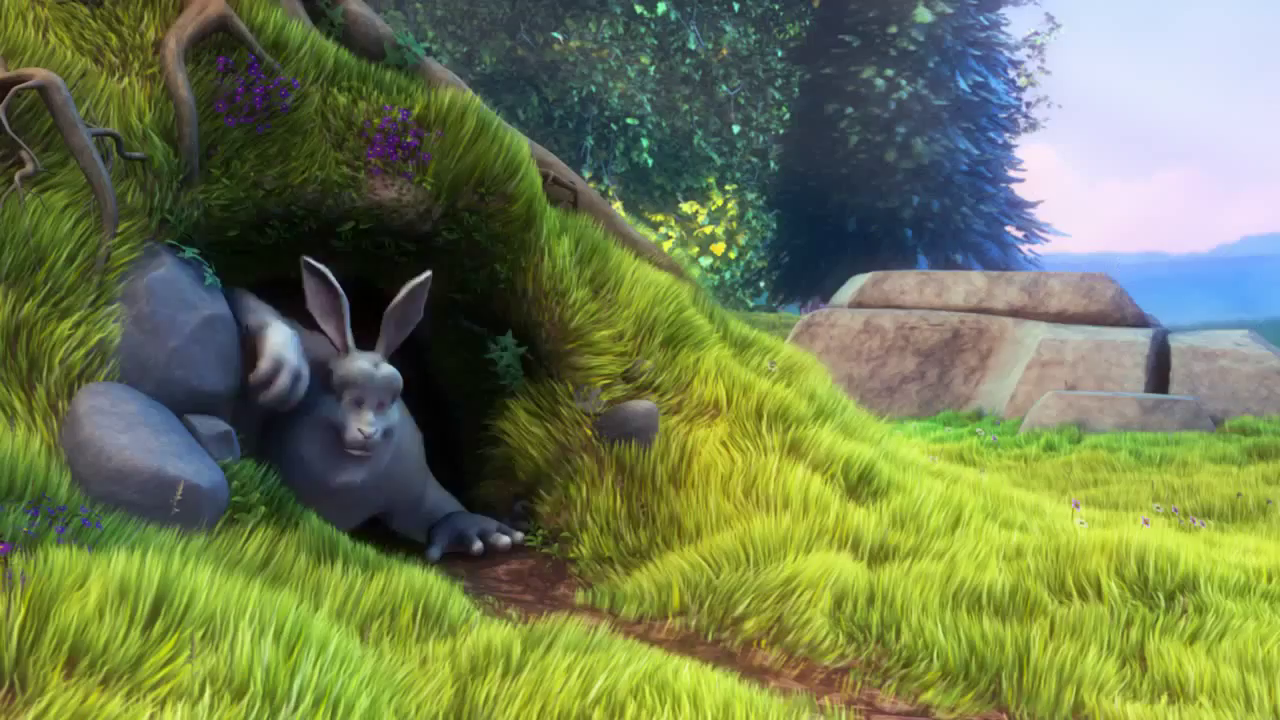
img.size(1280, 720)Extract a sub video with part of the original frame.
video = VideoFileClip("bunny.mp4").subclip(0, 10).crop(x2=640)
video.write_videofile("sub.mp4")
Moviepy - Building video sub.mp4.
MoviePy - Writing audio in subTEMP_MPY_wvf_snd.mp3
MoviePy - Done.
Moviepy - Writing video sub.mp4
Moviepy - Done !
Moviepy - video ready sub.mp4
vidcap = cv2.VideoCapture("sub.mp4")sucess, arr = vidcap.read()img = Image.fromarray(np.flip(arr, 2))
img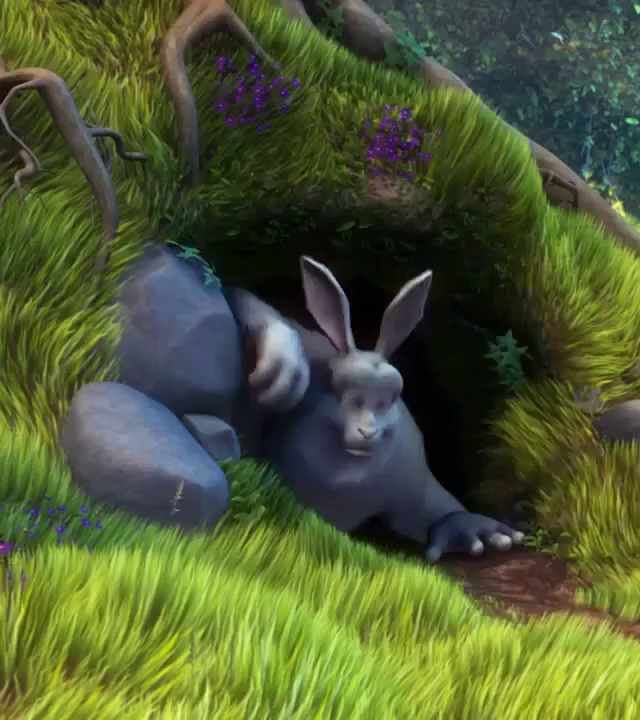
img.size(640, 720)